Face to face
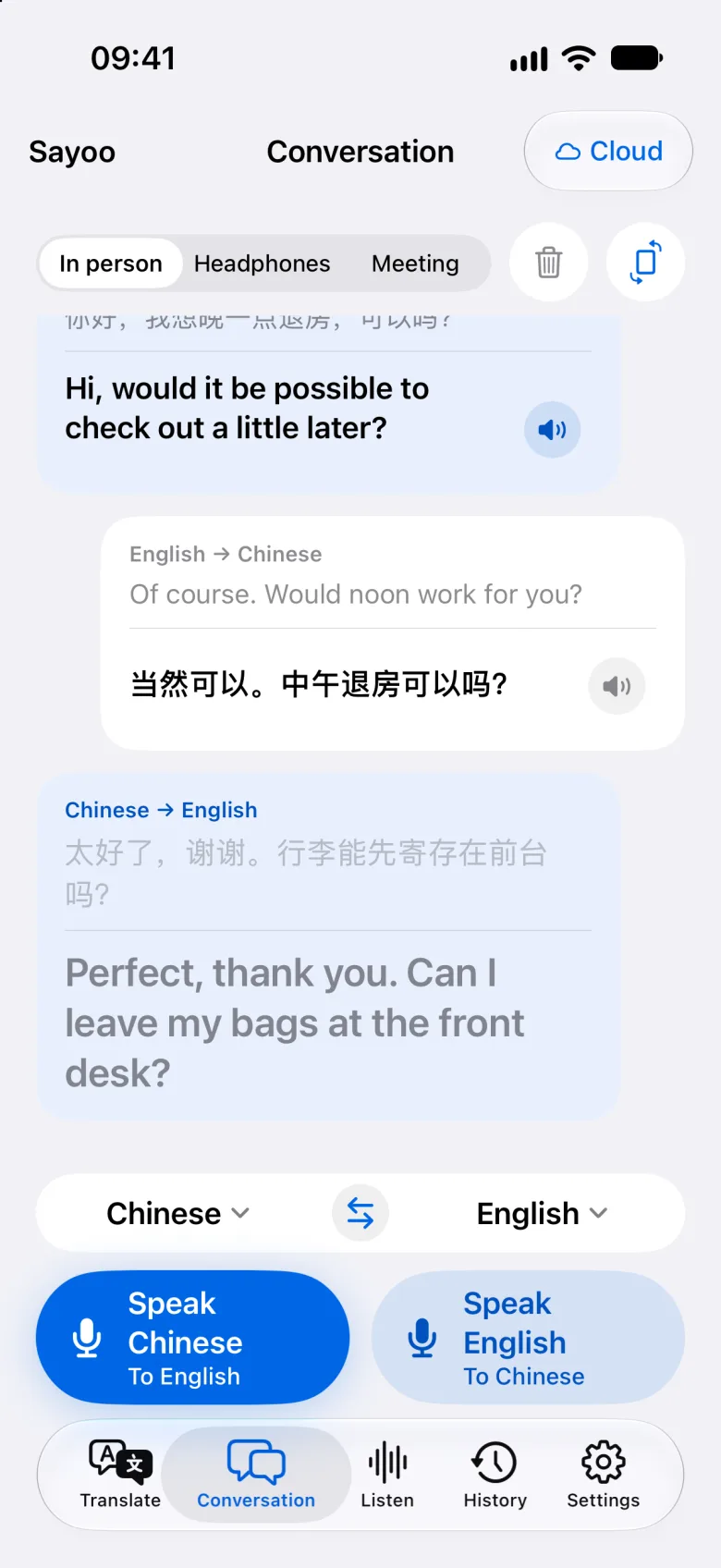
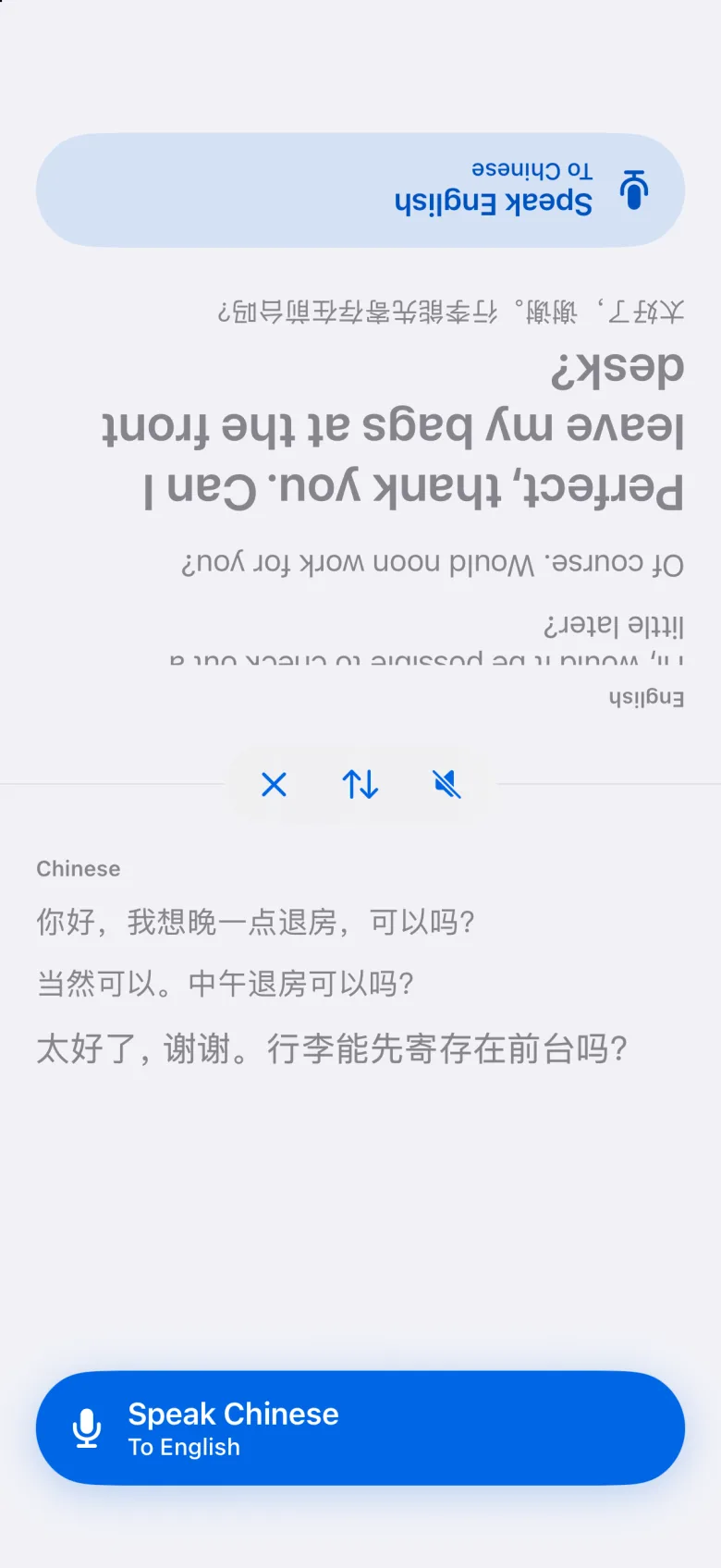
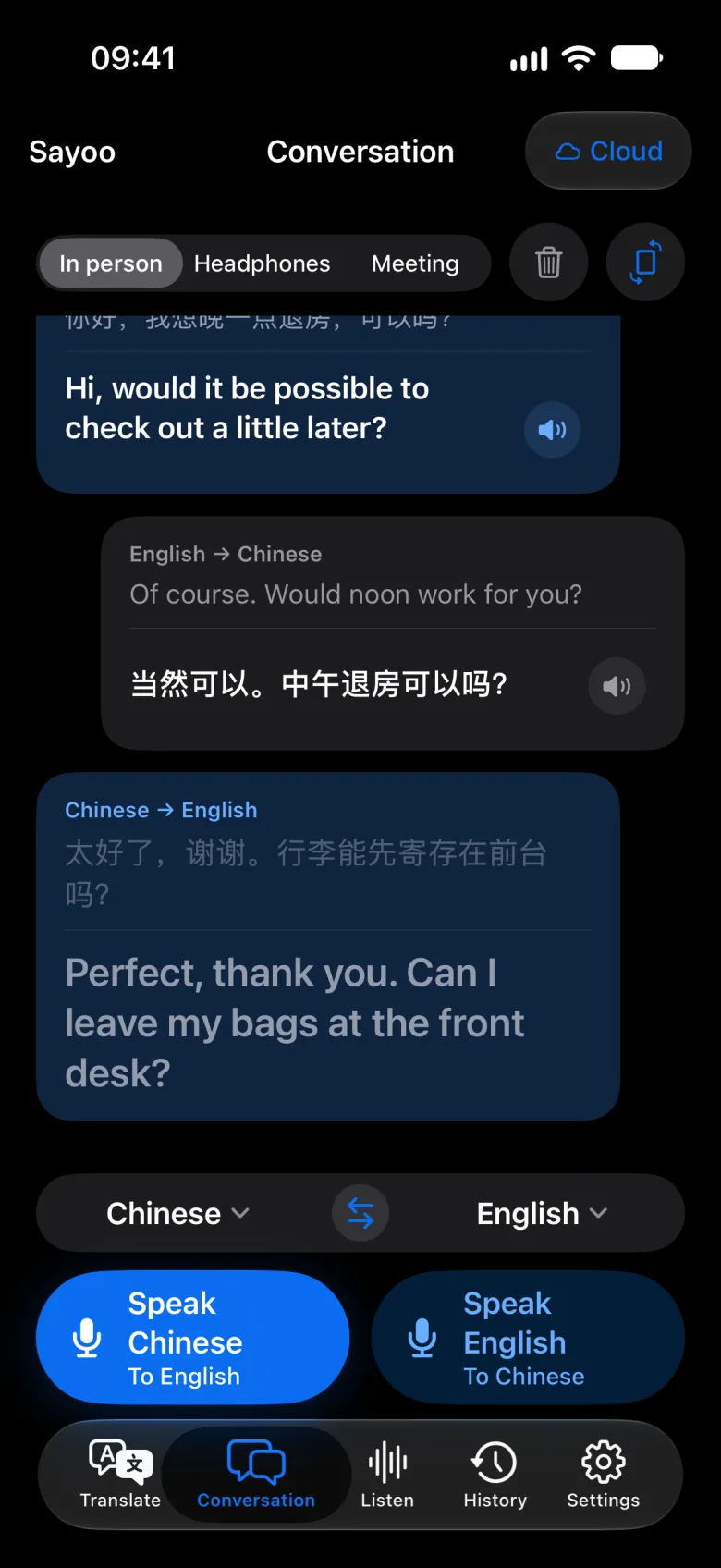
Set the phone between you. Each side has a button in its own language, and the top half turns to face the other person.
Conversations, talks, videos, photos and text — translated as they happen. Use the cloud for speed, or switch to on-device mode and translate right on your iPhone, even with no connection.
One app for the moments you need another language — across a table, in a lecture hall, or in front of a menu.
Set the phone between you. Each side has a button in its own language, and the top half turns to face the other person.
The phone listens and the translation plays in your ears. In cloud mode, two people can share one pair — one earbud each — and each hears the other in their own language.
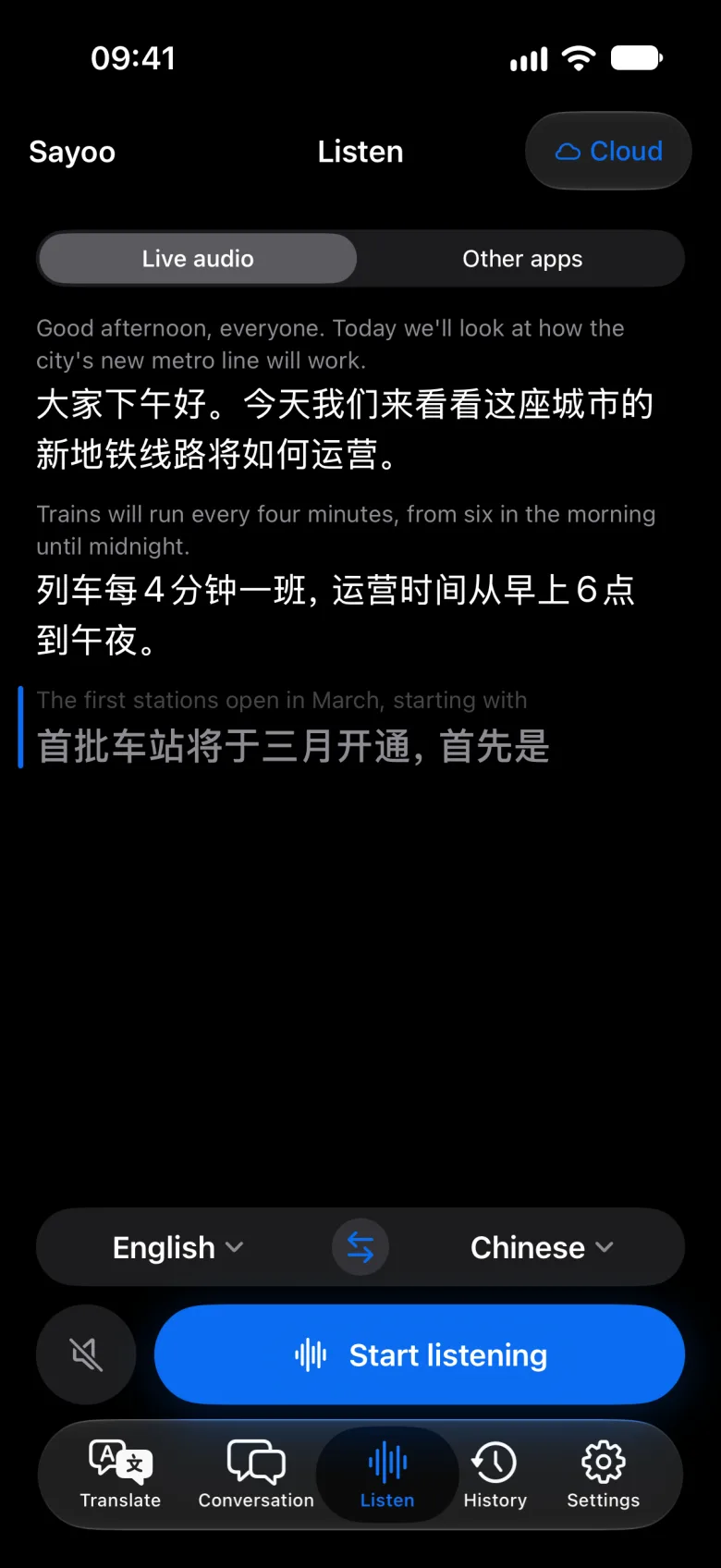
Talks, tours, announcements, or a video playing in another app — follow along with translated captions as people speak.
Snap a menu, sign or document. The translation sits over the original text, and numbers, prices and times that stand on their own stay exactly as printed.
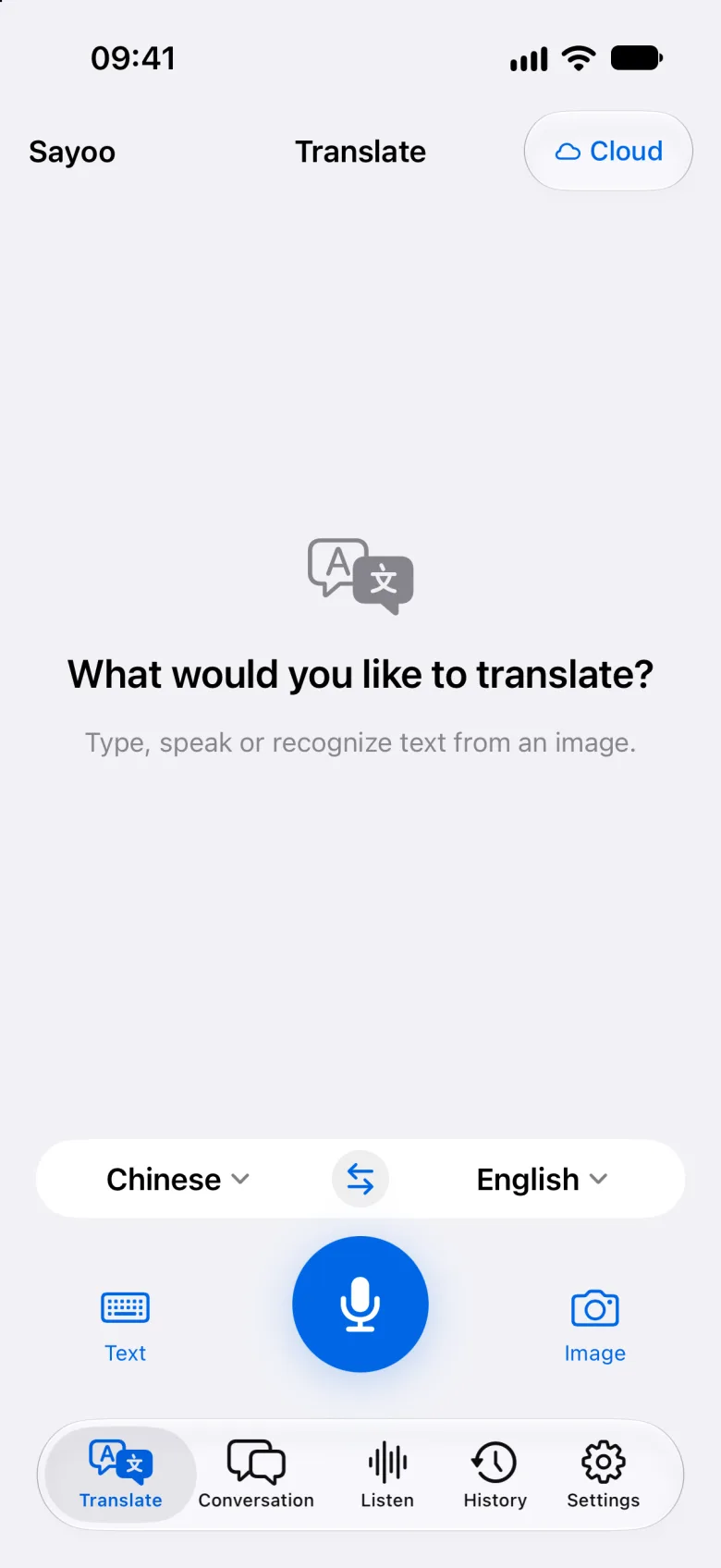
Up to 10,000 characters, from a quick message to a long email. Copy the result, or hear it read aloud.
Your speech streams to a live-translation model and the words come back while you are still talking.
Speech recognition and translation models run on your iPhone itself — on a plane, underground, or abroad without data.
In on-device mode, speech, text and photos are processed on your iPhone and not uploaded — unless you choose to send a saved record to a cloud feature, and Sayoo asks first. In cloud mode, photos still stay on your phone: Sayoo reads the text on the device and sends only that text. Your history stays on your iPhone and isn't synced to our servers.
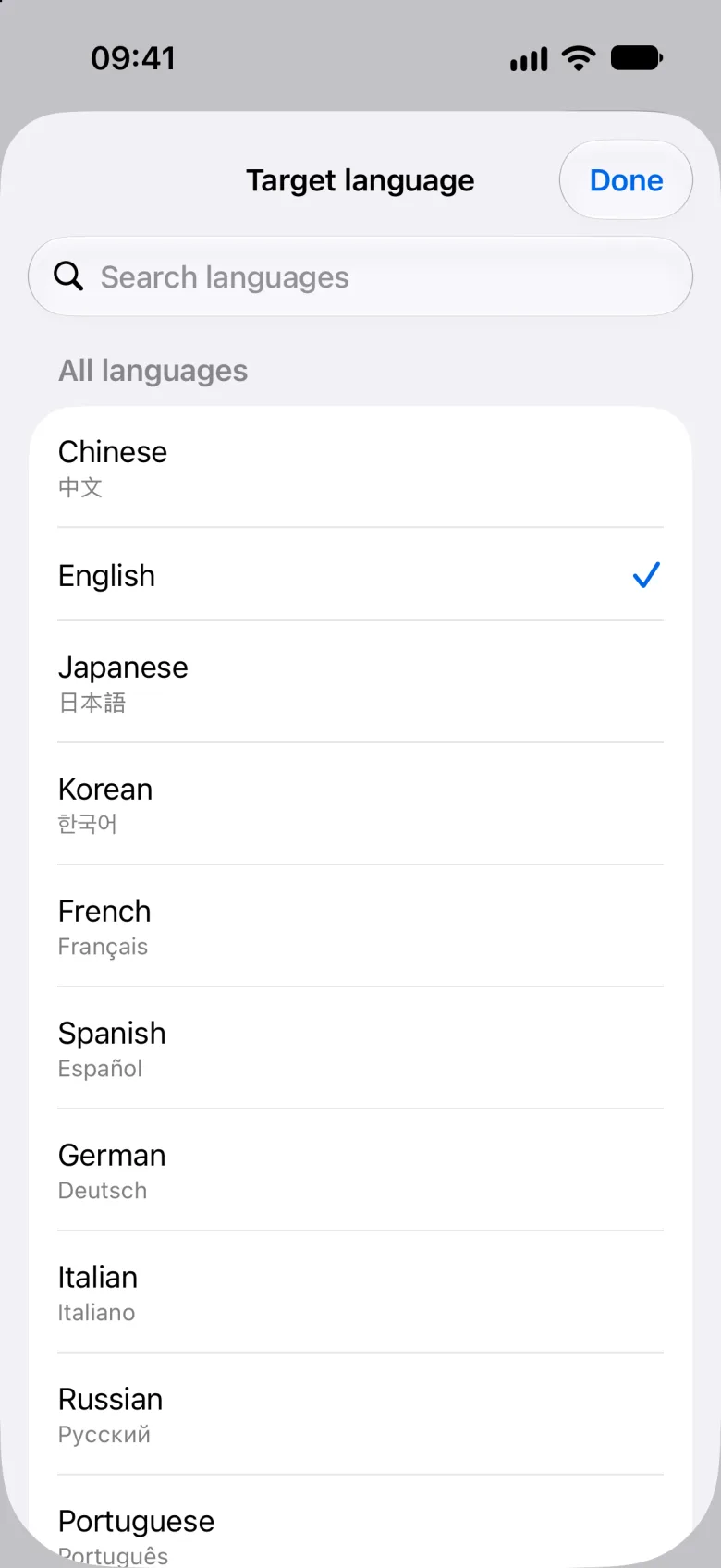
In cloud mode, text translates between all 27, and photos can be translated into any of them. Live speech and on-device mode cover most, and Sayoo tells you when a language isn't available.
Yes, in on-device mode. After a one-time model download, conversations, live listening, text and photos are translated on your iPhone with no connection. Separate left and right earbud playback needs cloud mode, and a few languages are cloud-only.
Your speech and text go to Sayoo's server in Hong Kong and on to Alibaba Cloud Model Studio in mainland China for translation. For photos, only the recognized text is sent — never the image. Our server doesn't store your conversations; a finished text or photo result is kept encrypted for about 5 minutes so an interrupted request can be recovered, then deleted. We keep your account, purchase and usage records (which feature, when and how much — not the content) until you delete your account in the app.
Yes. In Listen, choose Other apps and start the broadcast from the iOS panel. While a video or podcast plays in another app, Sayoo shows translated captions, and iOS displays its recording indicator. Some apps don't make their audio available, and in on-device mode iOS limits how long Sayoo can keep translating in the background.
We plan to let you try every feature for free. Membership and credits will be offered through the App Store, with prices and free-trial details announced at launch.
Sayoo is coming to the App Store soon.